

Press Kit — Product Information
ThatReceipt's product Q&A, brand assets and direct links to public images. Media, submission forms and partners are free to use them; every image is a direct, no-login link and can be embedded as-is.
- PRODUCT_NAME
- ThatReceipt
- TAGLINE
- Snap a receipt, get the date, merchant and amount filled in automatically, export to Excel and file your claim
- WEBSITE
- https://thatreceipt.com
PRODUCT_NAME: ThatReceipt
TAGLINE: Snap a receipt, get the date, merchant and amount filled in automatically, export to Excel and file your claim
WEBSITE: https://thatreceipt.com

──────────────────────────────
【Basics】

Q4. Launch year [H]
2026 (first version went live on 2026-08-16)

Q5. Category [H]
SaaS

Q6. Pricing model [H]
Freemium

Q7. Pricing details [H]
・New users get HK$500 of scanning credit, valid for 30 days
・One-off top-up: HK$20–49 → HK$0.5 per receipt; HK$50–149 → HK$0.3; HK$150 and above → HK$0.2. Top-up credit never expires; the minimum top-up is roughly US$10 equivalent
・Monthly plan HK$20 = 200 receipts per month
・Annual plan HK$150 = 1,000 receipts per year
・Subscribers pay a flat HK$0.15 per receipt on any credit
・12 currencies can be charged directly in local currency; everything else settles in USD; the ledger is always kept in HKD

Q8. Supported platforms [H]
Web, Android, iOS
・Web: any browser; as a PWA it can be added to the home screen and used like an app
・Android: download the .apk directly from the website (TWA wrapper) — https://thatreceipt.com/thatreceipt.apk
・iOS: "Add to Home Screen" in Safari
※ Deliberately not on the App Store / Play Store — see below for why

Q9. Target users [H]
general users, business users
The core audience is employees who have to claim their own expenses — field sales, people who are constantly meeting clients or travelling; secondly, freelancers and small shop owners with no bookkeeper to help.

Q10. Tags (5)
receipt scanning, expense reimbursement, expense-claim, OCR, PWA

──────────────────────────────
【Product details】

Q11. Product description [H]
ThatReceipt is a receipt scanning and expense-tracking service built for employees who claim their own expenses. Almost every comparable tool on the market (Expensify, Xero, Wave) is sold to companies, accounting departments or freelancers doing business bookkeeping; nobody is focused on "one employee sorting out their own receipts and filing a claim" — that is the gap we fill.

Using it is simple: photograph the receipt on your phone right after you pay, and the system reads out the date, time, merchant name, category, currency and amount; you check it and it's recorded. At month end, one tap exports Excel, CSV or PDF, plus a zip of the photos, to hand to your company or accountant. Don't want to take photos? Every account has its own email forwarding address — just forward electronic receipts from Uber, Klook, online shops or subscription services and they are recorded automatically. You can also upload PDF receipts directly on the website.

Three design principles we hold to:

One: photos are stored only in the user's own Google Drive. We use the drive.file scope, which can only read and write files we created ourselves; the server keeps nothing. Users can take their data away or delete it at any time, with no worry about losing their receipts if the service ever shuts down. (The one exception: attachments arriving by email forwarding are held in private storage for at most 7 days, until the user next opens the app and they are moved into their own Drive, then deleted immediately.)

Two: automatic month-end reconciliation. Upload a credit card or bank statement (PDF, photo or CSV), and the system extracts every transaction, matches it against recorded receipts by amount and date, then produces three lists: matched, on the statement but no receipt, and receipt found but not on the statement. Dates are allowed ±5 days (transaction date vs posting date), foreign-currency items get a 5% exchange-rate tolerance, and repayments and refunds are skipped automatically. Unmatched items can be added to your records in one tap. The statement itself is never written to the database — it is discarded once processed.

Three: 11 languages and 166 display currencies. The interface is available in Traditional Chinese, Simplified Chinese, English, Spanish, German, Japanese, Korean, French, Portuguese, Arabic (RTL) and Thai; foreign-currency receipts are converted automatically at a reference rate into the user's primary currency, but the ledger always uses HKD as the single source of truth, so drifting exchange rates can't mess up the numbers.

Q12. Main competitors / alternatives [H]
Expensify, Wave, Xero (plus receipt-only tools such as SparkReceipt). We publish a feature-by-feature comparison on our website; prices are the publicly listed prices on each company's website as of August 2026.

Q13. Biggest difference from competitors [H]
First, positioning: competitors all sell a "company expense workflow" or "small-business bookkeeping", which needs sign-off from a boss or the accounting department before you can use it. ThatReceipt works for one employee on their own — no company procurement, no team account.

Second, the price is an order of magnitude lower: competitors typically charge US$5–19 a month (roughly HK$39–150) regardless of usage. ThatReceipt goes as low as HK$0.2 per receipt, so 20 receipts a month costs HK$4, and if you don't use it you don't pay. We can do this because we stay off the App Store and Play Store — no 30% platform cut, no need to maintain separate native apps for iOS and Android — and the savings go straight into the price.

Third, users own their photos: photos go into the user's own Google Drive, and because we use the drive.file scope we technically cannot see anything else in their Drive. Every competitor stores photos on its own servers.

Q14. Getting started [H]
1. Go to thatreceipt.com and sign in with your Google account (about 5 seconds; you get HK$500 of credit on sign-in, valid for 30 days)
2. Authorise Google Drive (once); the system creates a ThatReceipt folder in your Drive for the original photos
3. Tap "Take photo" to shoot a receipt, or pick from your photo library / upload a PDF; within seconds the date, merchant and amount are filled in — confirm and it's recorded
4. Advanced: forward electronic receipts to your personal address — no photo needed at all
5. Month end: in "Receipt records", export Excel / CSV / PDF with one tap; then upload your credit card statement for automatic reconciliation to make sure nothing is missing

Q15. User numbers / traction
N/A

──────────────────────────────
【Additional information】

16a. Press coverage / external mentions
N/A

16b. User quotes [M]
・"I used to type a whole stack of taxi and meal receipts into Excel at the end of every month. Now they're recorded the moment I take the photo, and I hand the company one zip at month end." — Alan Lee, field sales
・"No company to hire a bookkeeper for me. My receipts turn into Excel automatically, so no more all-nighters sorting receipts before tax time." — Ada Nethan, freelancer
・"Colleagues photograph and record their own; I just check and export. No more entering the whole team's receipts myself." — Bill Johnson, admin & assistant

16c. Roadmap for the next 3–6 months
N/A

16e. Integrations [H]
Works with Google Drive, Google account sign-in, any email service (forward to record), Stripe payments, Excel / CSV / PDF export, automatic reconciliation of credit card and bank statements (PDF / photo / CSV)

16f. Awards / accelerators / funding
N/A (self-funded; no funding, no accelerator, no awards)

16g. Open-source repo
N/A (private repo)

──────────────────────────────
【Links and images】

Q17. iOS App Store
N/A (use "Add to Home Screen" in Safari; deliberately not listed)

Q18. Google Play
N/A (download directly from the website: https://thatreceipt.com/thatreceipt.apk)

Q19. Mac App Store
N/A

Q20. Microsoft Store
N/A

Q21. Chrome Web Store
N/A

Q22. App icon / logo
https://thatreceipt.com/icons/icon-512.v4.png (512×512 PNG, public direct link)

Q23. Screenshots (all 1400px wide, public direct links, no phone frame, no watermark)
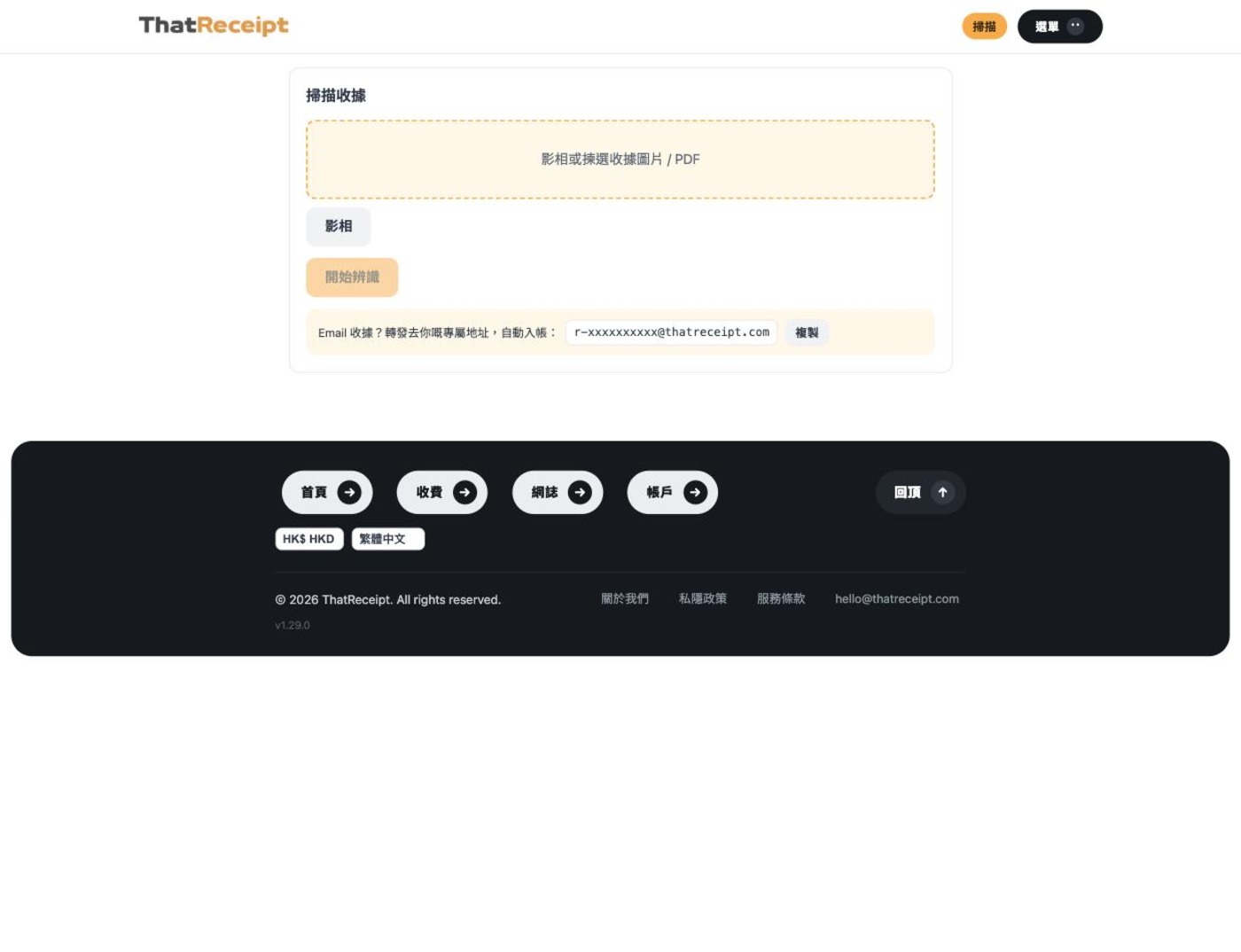
https://thatreceipt.com/img/press/scan-v1.jpg — Scan page: take a photo or upload a PDF, with the personal email forwarding address below (the address shown has been replaced with a sample value)
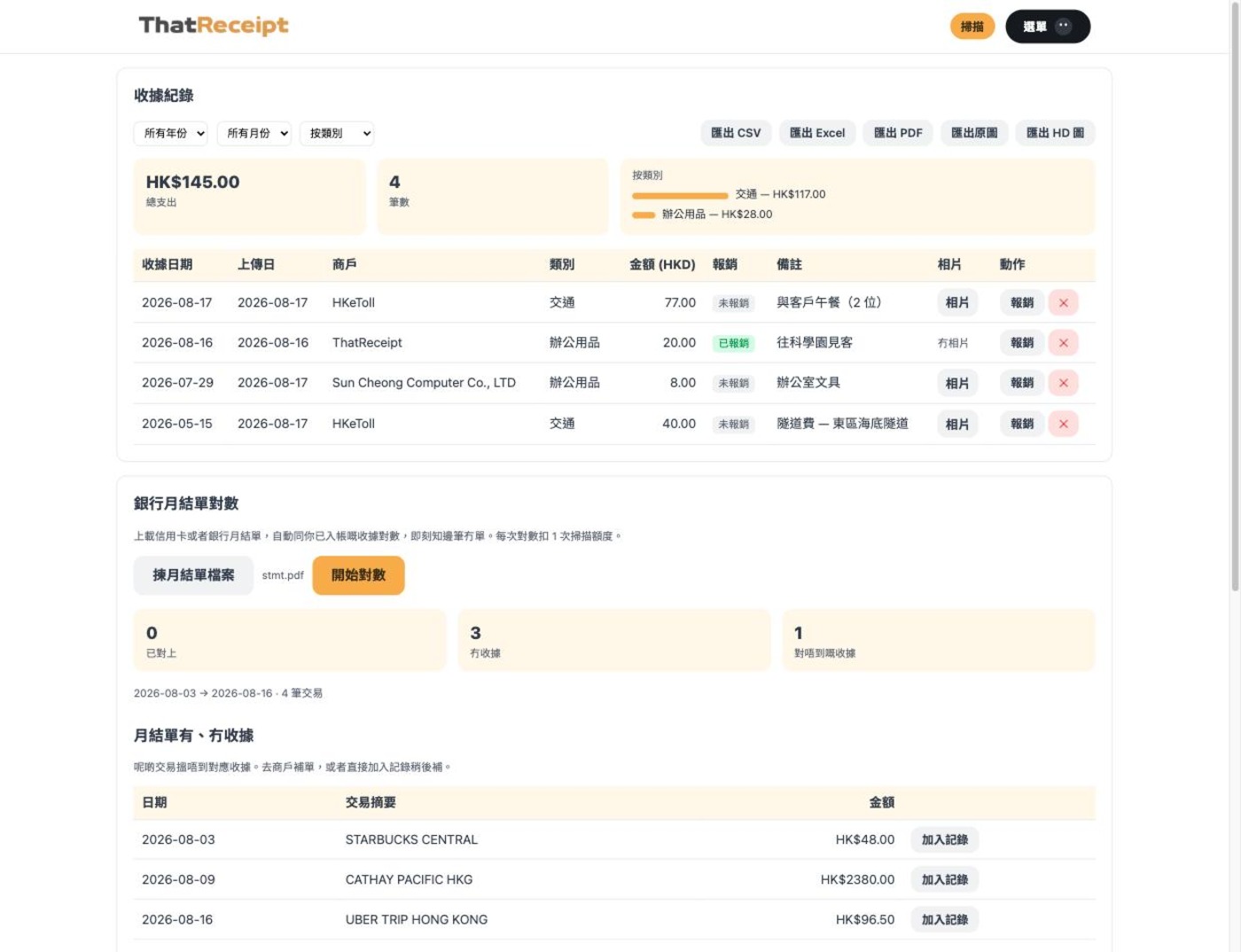
https://thatreceipt.com/img/press/records-v1.jpg — Receipt records: total spend, category breakdown, line-by-line records, one-tap export to Excel / CSV / PDF / photo zip (notes column contains sample data)
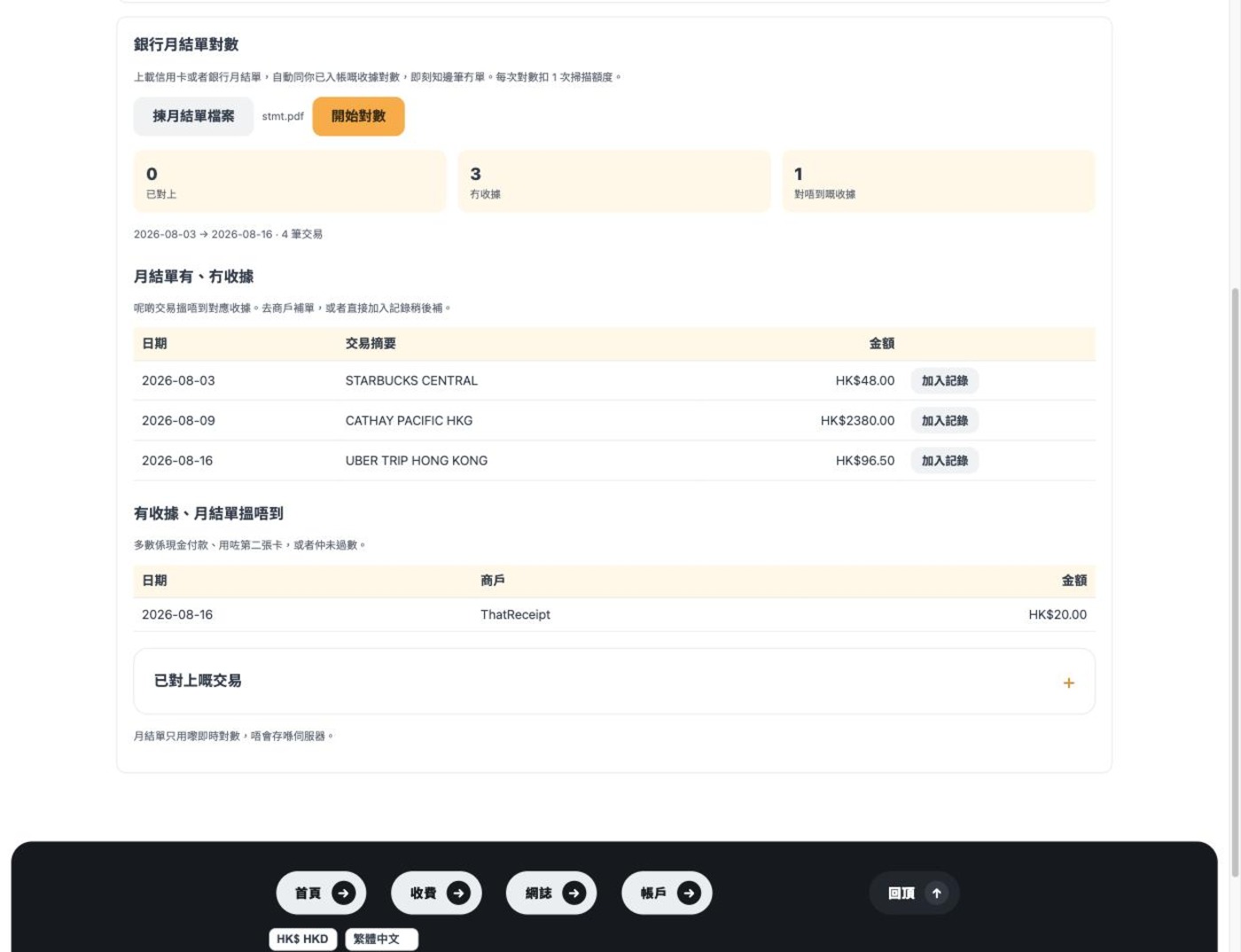
https://thatreceipt.com/img/press/reconcile-v1.jpg — Automatic bank statement reconciliation report: matched / on the statement but no receipt / receipt found but not on the statement, all three lists in one view
https://thatreceipt.com/icons/og.v2.png — Product hero image (1200×630): photograph a receipt → fields are extracted → a new row appears in the spreadsheet

Q24. Developer / team photo
N/A

Q25. Video / demo
N/A (not filmed yet)

──────────────────────────────
【Developer story】

Q26. A message to readers
This product started with a very boring personal problem: at the end of every month I had to sit down, dig a stack of crumpled receipts out of my wallet, trouser pockets and car boot, type them one by one into Excel, then check them against my credit card statement — and I'd often end up a few tens of dollars off with no idea where the gap was. Thermal-paper receipts start fading after two weeks; a month later you may not even be able to read the amount.

Looking at the tools on the market, I noticed an odd gap: every one of them is sold to companies or accountants. If you want to handle your own expense claim as an employee, without waiting for company procurement to approve something, there is really no option — and where one exists, it costs a hundred-odd dollars a month when I might only have twenty receipts.

So I built this. Two non-negotiables were set from day one: photos are not stored on our servers (they live in the user's own Google Drive), and we stay off the App Store and Play Store (saving the 30% cut and passing it straight into the price). That second decision is what makes "HK$0.2 per receipt" possible — and that is the single most important selling point of the whole product.

(The developer is not named for now; for a real name / photo, please contact [email protected])

──────────────────────────────
【Anything else】

Q27. What's interesting / appealing about the product
One: the accuracy figure is measured, not marketing
Amount recognition accuracy is 95.3%. Where that number comes from: on 2026-09-11 we ran 106 real receipts (each verified by hand as the reference) through the full production pipeline. Other fields from the same run: currency 106/106, merchant name 87.6%, date 88.7%.
For dates, we went through all 12 misses one by one: in 7 cases the date chosen in the manual record simply differed from the one we pick (online-shopping receipts often print order, payment, shipping and delivery dates all on the same document — a definition difference, not a misread); 2 receipts had no date printed at all, and the system correctly left the field blank for the user to fill in; only 3 were genuine misreads, all on handwritten receipts. Put another way, "did it read the transaction date actually printed on the receipt" comes to 103/106.
Around 3 seconds per receipt on average. These figures are tied to a specific model and prompt; any change means re-running the test before the numbers can be quoted again — we never adjust them by hand.

Two: "zero storage" is enforced by the architecture, not just a policy promise
Many services say "we won't look at your data", but the files are still in their hands. ThatReceipt uses Google's drive.file scope: we can only read and write files we created ourselves, and technically cannot see anything else in the user's Drive. Photos upload from the user's device straight into their own Drive, without passing through our servers. Even if we shut down someday, users won't lose a single receipt.

Three: "no app" is a strategy, not a limitation
People often ask why we aren't in the app stores. The answer is straightforward: listing means handing over a 30% platform cut and maintaining two native apps, iOS and Android. At our HK$0.2-per-receipt pricing, those costs would more than double the price. We chose a PWA ("Add to Home Screen" on iOS) and a direct .apk install from the website (Android) — a near-native experience, with all the savings going into the price.

Four: automatic statement reconciliation
We think this is the most useful feature and the one fewest people build. The most time-consuming step in expense claims was never photographing receipts — it's checking every line of the statement at month end. Upload the statement, the system extracts every transaction and matches it against your receipts automatically, and tells you exactly which items have no receipt. The matching logic has to handle plenty of real-world messiness: transaction dates and posting dates a few days apart, exchange rates and fees on foreign-currency transactions, instalments, refunds, repayments — all handled specifically. The statement is discarded once processed and never kept on the server.

Five: email receipts, no photo needed
Every account has its own address. Forward confirmation emails from Uber, Klook or online shops and they are recorded within tens of seconds. Those with attachments (PDF invoices and the like) are moved into your own Drive automatically the next time you open the app. Plain-text notification emails (such as Hong Kong's HKeToll tunnel-fee notices) have no attachment, so the system renders the email content into a receipt image on the user's device and saves it to their own Drive — so there is still an attachment to hand in when it's time to claim.

Six: 11 languages, 166 currencies, but the ledger is always HKD
Foreign-currency receipts are converted automatically at a reference rate, and the interface and exports follow the user's chosen primary currency, but the underlying unit of account is always HKD. This avoids a very common trap: if every entry were recorded at its own rate at the time, changing the rate or switching display currency later would leave the numbers not adding up.
Basics
Launch year
2026 (first version went live on 2026-08-16)
Category
SaaS
Pricing model
Freemium
Pricing details
- New users get HK$500 of scanning credit, valid for 30 days
- One-off top-up: HK$20–49 → HK$0.5 per receipt; HK$50–149 → HK$0.3; HK$150 and above → HK$0.2. Top-up credit never expires; the minimum top-up is roughly US$10 equivalent
- Monthly plan HK$20 = 200 receipts per month
- Annual plan HK$150 = 1,000 receipts per year
- Subscribers pay a flat HK$0.15 per receipt on any credit
- 12 currencies can be charged directly in local currency; everything else settles in USD; the ledger is always kept in HKD
Supported platforms
Web, Android, iOS
・Web: any browser; as a PWA it can be added to the home screen and used like an app
・Android: download the .apk directly from the website (TWA wrapper) — https://thatreceipt.com/thatreceipt.apk
・iOS: "Add to Home Screen" in Safari
※ Deliberately not on the App Store / Play Store — see below for why
Target users
general users, business users
The core audience is employees who have to claim their own expenses — field sales, people who are constantly meeting clients or travelling; secondly, freelancers and small shop owners with no bookkeeper to help.
Tags (5)
receipt scanning, expense reimbursement, expense-claim, OCR, PWA
Product details
Product description
ThatReceipt is a receipt scanning and expense-tracking service built for employees who claim their own expenses. Almost every comparable tool on the market (Expensify, Xero, Wave) is sold to companies, accounting departments or freelancers doing business bookkeeping; nobody is focused on "one employee sorting out their own receipts and filing a claim" — that is the gap we fill.
Using it is simple: photograph the receipt on your phone right after you pay, and the system reads out the date, time, merchant name, category, currency and amount; you check it and it's recorded. At month end, one tap exports Excel, CSV or PDF, plus a zip of the photos, to hand to your company or accountant. Don't want to take photos? Every account has its own email forwarding address — just forward electronic receipts from Uber, Klook, online shops or subscription services and they are recorded automatically. You can also upload PDF receipts directly on the website.
Three design principles we hold to:
One: photos are stored only in the user's own Google Drive. We use the drive.file scope, which can only read and write files we created ourselves; the server keeps nothing. Users can take their data away or delete it at any time, with no worry about losing their receipts if the service ever shuts down. (The one exception: attachments arriving by email forwarding are held in private storage for at most 7 days, until the user next opens the app and they are moved into their own Drive, then deleted immediately.)
Two: automatic month-end reconciliation. Upload a credit card or bank statement (PDF, photo or CSV), and the system extracts every transaction, matches it against recorded receipts by amount and date, then produces three lists: matched, on the statement but no receipt, and receipt found but not on the statement. Dates are allowed ±5 days (transaction date vs posting date), foreign-currency items get a 5% exchange-rate tolerance, and repayments and refunds are skipped automatically. Unmatched items can be added to your records in one tap. The statement itself is never written to the database — it is discarded once processed.
Three: 11 languages and 166 display currencies. The interface is available in Traditional Chinese, Simplified Chinese, English, Spanish, German, Japanese, Korean, French, Portuguese, Arabic (RTL) and Thai; foreign-currency receipts are converted automatically at a reference rate into the user's primary currency, but the ledger always uses HKD as the single source of truth, so drifting exchange rates can't mess up the numbers.
Main competitors / alternatives
Expensify, Wave, Xero (plus receipt-only tools such as SparkReceipt). We publish a feature-by-feature comparison on our website; prices are the publicly listed prices on each company's website as of August 2026.
Biggest difference from competitors
First, positioning: competitors all sell a "company expense workflow" or "small-business bookkeeping", which needs sign-off from a boss or the accounting department before you can use it. ThatReceipt works for one employee on their own — no company procurement, no team account.
Second, the price is an order of magnitude lower: competitors typically charge US$5–19 a month (roughly HK$39–150) regardless of usage. ThatReceipt goes as low as HK$0.2 per receipt, so 20 receipts a month costs HK$4, and if you don't use it you don't pay. We can do this because we stay off the App Store and Play Store — no 30% platform cut, no need to maintain separate native apps for iOS and Android — and the savings go straight into the price.
Third, users own their photos: photos go into the user's own Google Drive, and because we use the drive.file scope we technically cannot see anything else in their Drive. Every competitor stores photos on its own servers.
Getting started
- Go to thatreceipt.com and sign in with your Google account (about 5 seconds; you get HK$500 of credit on sign-in, valid for 30 days)
- Authorise Google Drive (once); the system creates a ThatReceipt folder in your Drive for the original photos
- Tap "Take photo" to shoot a receipt, or pick from your photo library / upload a PDF; within seconds the date, merchant and amount are filled in — confirm and it's recorded
- Advanced: forward electronic receipts to your personal address — no photo needed at all
- Month end: in "Receipt records", export Excel / CSV / PDF with one tap; then upload your credit card statement for automatic reconciliation to make sure nothing is missing
Additional information
User quotes
- "I used to type a whole stack of taxi and meal receipts into Excel at the end of every month. Now they're recorded the moment I take the photo, and I hand the company one zip at month end." — Alan Lee, field sales
- "No company to hire a bookkeeper for me. My receipts turn into Excel automatically, so no more all-nighters sorting receipts before tax time." — Ada Nethan, freelancer
- "Colleagues photograph and record their own; I just check and export. No more entering the whole team's receipts myself." — Bill Johnson, admin & assistant
Integrations
Works with Google Drive, Google account sign-in, any email service (forward to record), Stripe payments, Excel / CSV / PDF export, automatic reconciliation of credit card and bank statements (PDF / photo / CSV)
Links and images
App icon / logo
https://thatreceipt.com/icons/icon-512.v4.png (512×512 PNG, public direct link)
Screenshots (all 1400px wide, public direct links, no phone frame, no watermark)
https://thatreceipt.com/img/press/scan-v1.jpg — Scan page: take a photo or upload a PDF, with the personal email forwarding address below (the address shown has been replaced with a sample value)
https://thatreceipt.com/img/press/records-v1.jpg — Receipt records: total spend, category breakdown, line-by-line records, one-tap export to Excel / CSV / PDF / photo zip (notes column contains sample data)
https://thatreceipt.com/img/press/reconcile-v1.jpg — Automatic bank statement reconciliation report: matched / on the statement but no receipt / receipt found but not on the statement, all three lists in one view
https://thatreceipt.com/icons/og.v2.png — Product hero image (1200×630): photograph a receipt → fields are extracted → a new row appears in the spreadsheet
Developer story
A message to readers
This product started with a very boring personal problem: at the end of every month I had to sit down, dig a stack of crumpled receipts out of my wallet, trouser pockets and car boot, type them one by one into Excel, then check them against my credit card statement — and I'd often end up a few tens of dollars off with no idea where the gap was. Thermal-paper receipts start fading after two weeks; a month later you may not even be able to read the amount.
Looking at the tools on the market, I noticed an odd gap: every one of them is sold to companies or accountants. If you want to handle your own expense claim as an employee, without waiting for company procurement to approve something, there is really no option — and where one exists, it costs a hundred-odd dollars a month when I might only have twenty receipts.
So I built this. Two non-negotiables were set from day one: photos are not stored on our servers (they live in the user's own Google Drive), and we stay off the App Store and Play Store (saving the 30% cut and passing it straight into the price). That second decision is what makes "HK$0.2 per receipt" possible — and that is the single most important selling point of the whole product.
(The developer is not named for now; for a real name / photo, please contact [email protected])
Anything else
What's interesting / appealing about the product
One: the accuracy figure is measured, not marketing
Amount recognition accuracy is 95.3%. Where that number comes from: on 2026-09-11 we ran 106 real receipts (each verified by hand as the reference) through the full production pipeline. Other fields from the same run: currency 106/106, merchant name 87.6%, date 88.7%.
For dates, we went through all 12 misses one by one: in 7 cases the date chosen in the manual record simply differed from the one we pick (online-shopping receipts often print order, payment, shipping and delivery dates all on the same document — a definition difference, not a misread); 2 receipts had no date printed at all, and the system correctly left the field blank for the user to fill in; only 3 were genuine misreads, all on handwritten receipts. Put another way, "did it read the transaction date actually printed on the receipt" comes to 103/106.
Around 3 seconds per receipt on average. These figures are tied to a specific model and prompt; any change means re-running the test before the numbers can be quoted again — we never adjust them by hand.
Two: "zero storage" is enforced by the architecture, not just a policy promise
Many services say "we won't look at your data", but the files are still in their hands. ThatReceipt uses Google's drive.file scope: we can only read and write files we created ourselves, and technically cannot see anything else in the user's Drive. Photos upload from the user's device straight into their own Drive, without passing through our servers. Even if we shut down someday, users won't lose a single receipt.
Three: "no app" is a strategy, not a limitation
People often ask why we aren't in the app stores. The answer is straightforward: listing means handing over a 30% platform cut and maintaining two native apps, iOS and Android. At our HK$0.2-per-receipt pricing, those costs would more than double the price. We chose a PWA ("Add to Home Screen" on iOS) and a direct .apk install from the website (Android) — a near-native experience, with all the savings going into the price.
Four: automatic statement reconciliation
We think this is the most useful feature and the one fewest people build. The most time-consuming step in expense claims was never photographing receipts — it's checking every line of the statement at month end. Upload the statement, the system extracts every transaction and matches it against your receipts automatically, and tells you exactly which items have no receipt. The matching logic has to handle plenty of real-world messiness: transaction dates and posting dates a few days apart, exchange rates and fees on foreign-currency transactions, instalments, refunds, repayments — all handled specifically. The statement is discarded once processed and never kept on the server.
Five: email receipts, no photo needed
Every account has its own address. Forward confirmation emails from Uber, Klook or online shops and they are recorded within tens of seconds. Those with attachments (PDF invoices and the like) are moved into your own Drive automatically the next time you open the app. Plain-text notification emails (such as Hong Kong's HKeToll tunnel-fee notices) have no attachment, so the system renders the email content into a receipt image on the user's device and saves it to their own Drive — so there is still an attachment to hand in when it's time to claim.
Six: 11 languages, 166 currencies, but the ledger is always HKD
Foreign-currency receipts are converted automatically at a reference rate, and the interface and exports follow the user's chosen primary currency, but the underlying unit of account is always HKD. This avoids a very common trap: if every entry were recorded at its own rate at the time, changing the rate or switching display currency later would leave the numbers not adding up.
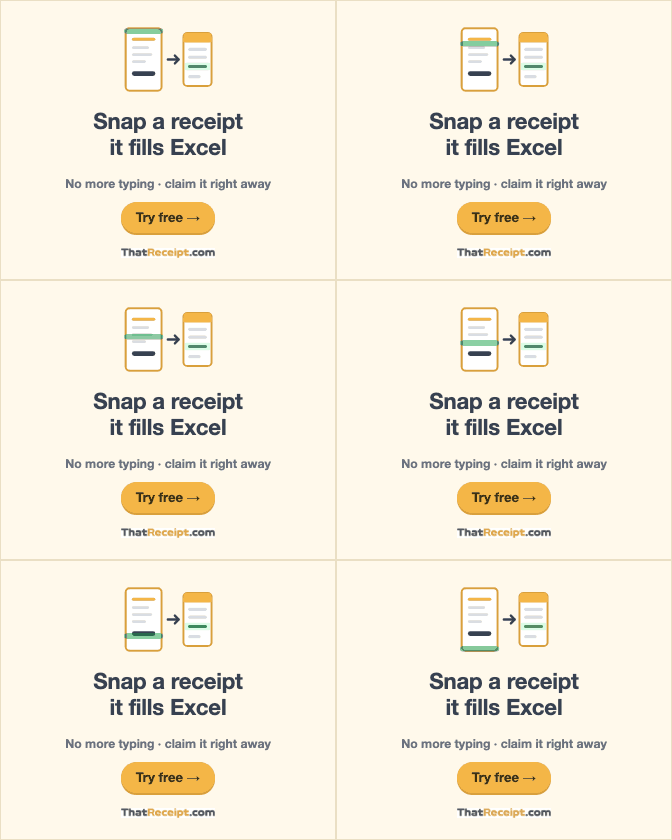
Hero illustration
Inline SVG, 720×392, about 7.5 KB. The gold scan band sweeps from top to bottom; it stops automatically when the user has "Reduce motion" turned on.
Actual display sizes
Background tests
It holds up on both white and the cream band. On a dark background the phone and the spreadsheet remain white cards — in other words, this artwork was designed for light backgrounds, and a future dark mode will need its own colour pass.
Direct links to public images
| Use | URL | Spec |
|---|---|---|
| App icon | https://thatreceipt.com/icons/icon-512.v4.png | 512×512 PNG |
| Share image (OG) | https://thatreceipt.com/icons/og-en.v3.png | 1200×630 PNG |
| Screenshot · Scan | https://thatreceipt.com/img/press/scan-v1.jpg | 1400px |
| Screenshot · Records | https://thatreceipt.com/img/press/records-v1.jpg | 1400px |
| Screenshot · Reconciliation | https://thatreceipt.com/img/press/reconcile-v1.jpg | 1400px |
All are direct links with no login required and can be embedded with an img tag. Email addresses and notes in the screenshots have been replaced with sample values.
Screenshots
Spec summary
| Brand colours | #F4B647 · #D9A03C · #374151 · #FFF9EB · #16A34A |
| Fonts | System font stack (-apple-system / Noto Sans TC・SC・JP・KR) |
| Languages | 11 (Traditional Chinese, Simplified Chinese, English, Spanish, German, Japanese, Korean, French, Portuguese, Arabic RTL, Thai) |
| Display currencies | 166; the ledger is always kept in HKD |
| Recognition accuracy | Amount 95.3%・Currency 106/106・Merchant 87.6%・Date 88.7% (2026-09-11, tested on 106 real receipts) |
| Contact | [email protected] |
Ad creatives (ready to use)
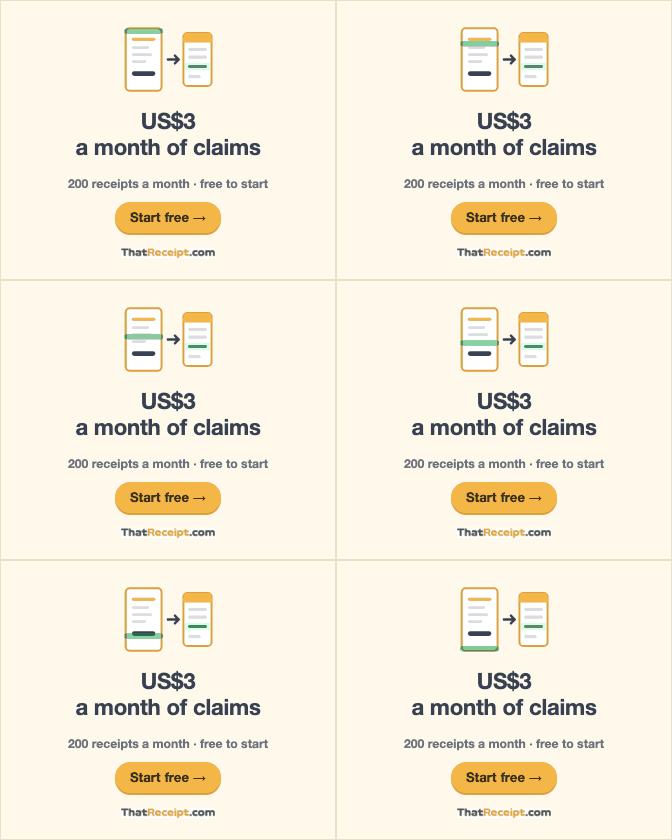
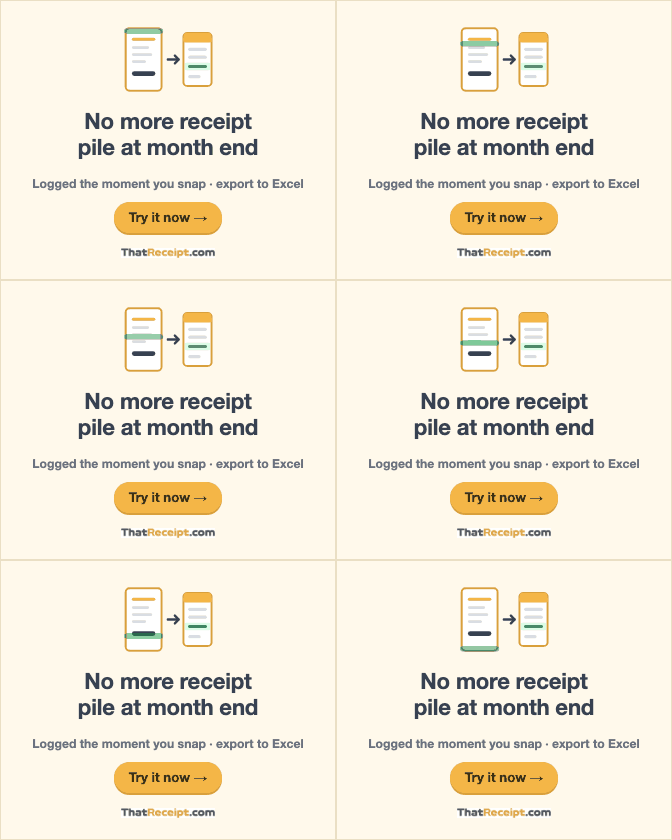
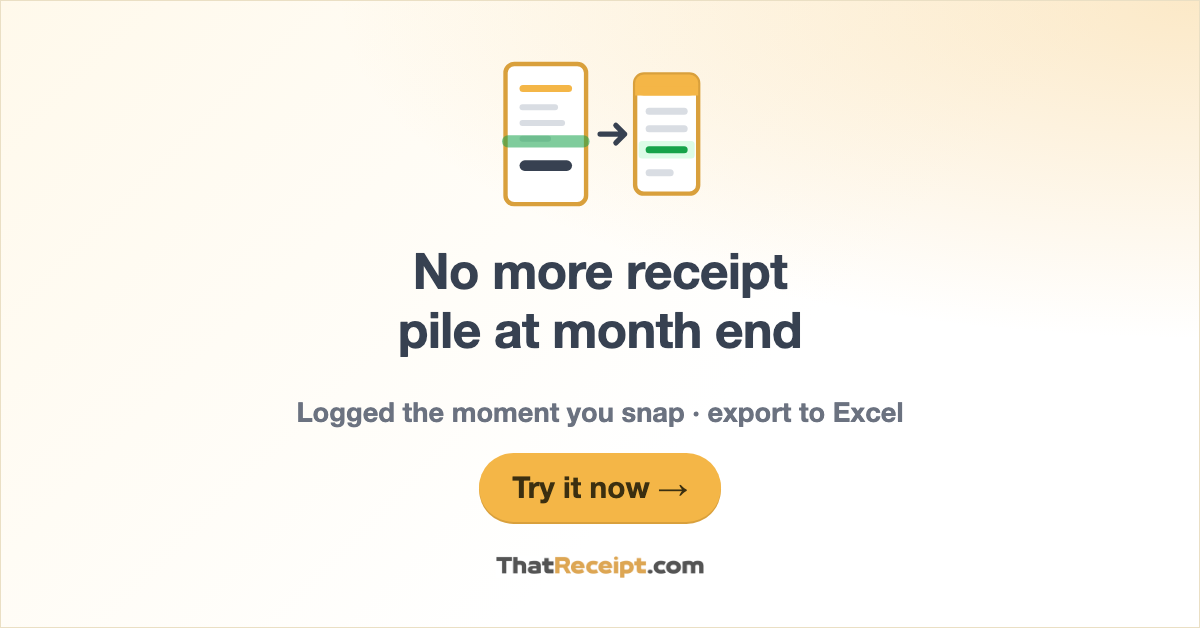
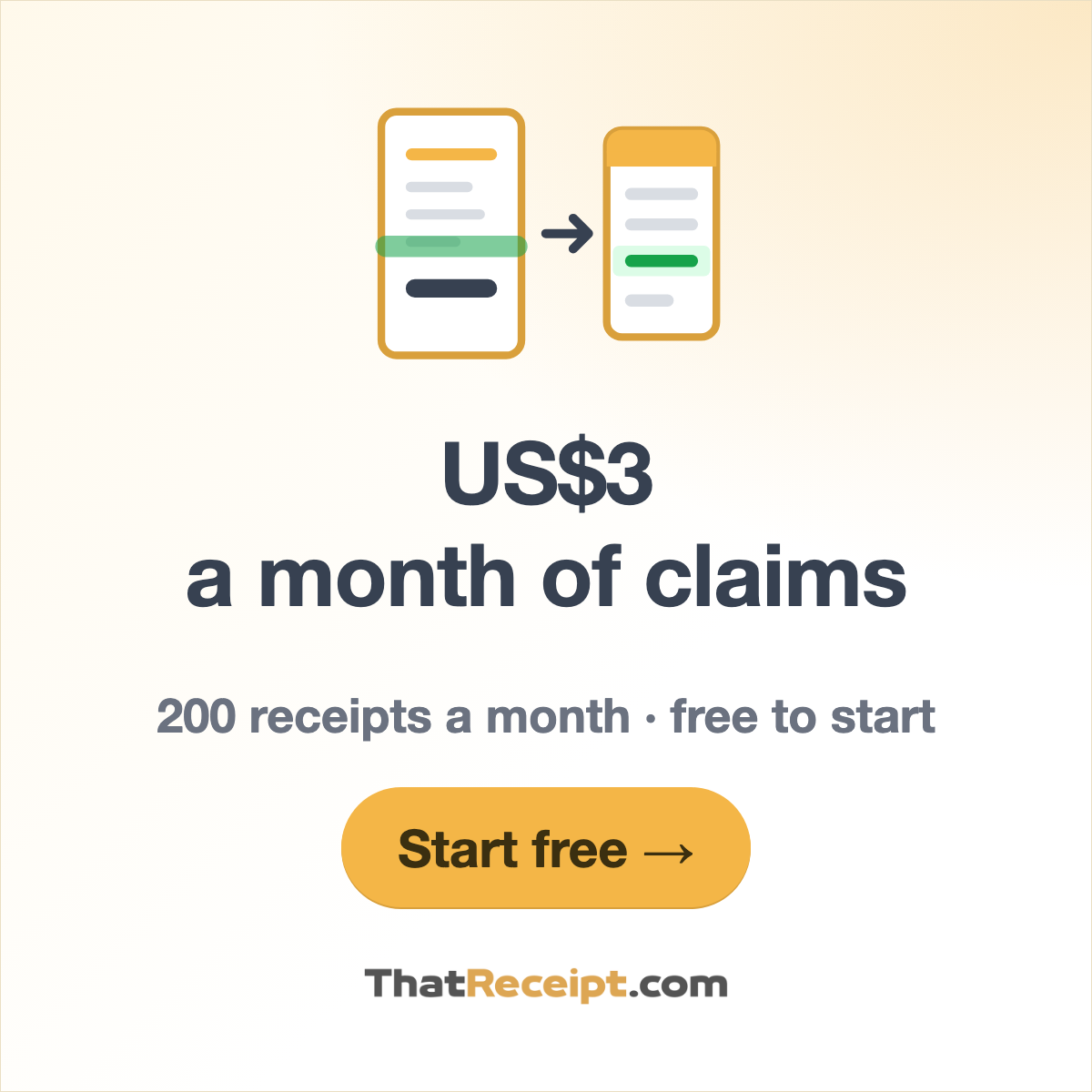
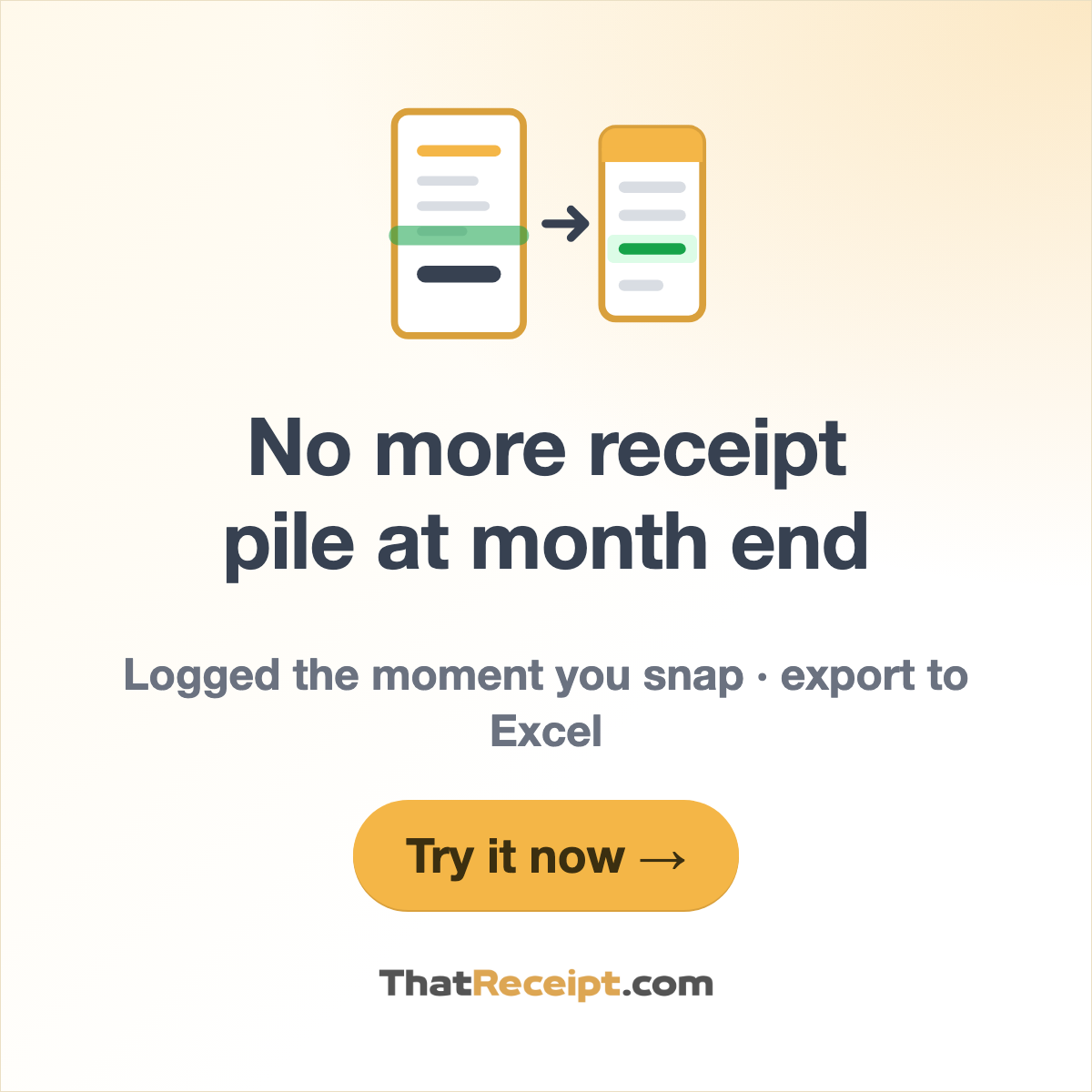
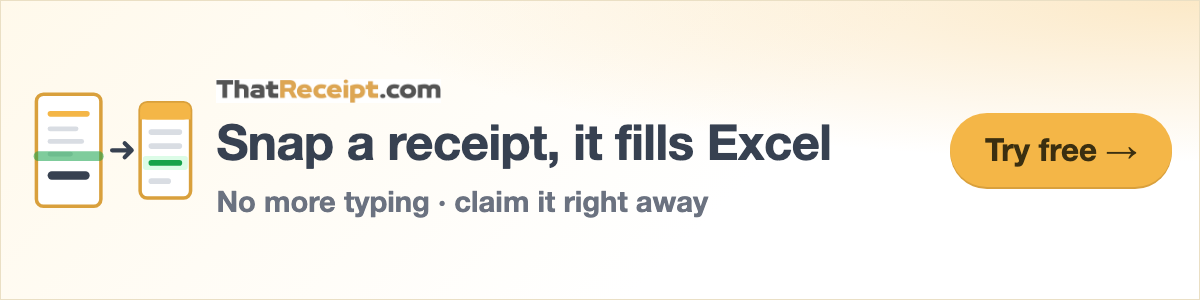
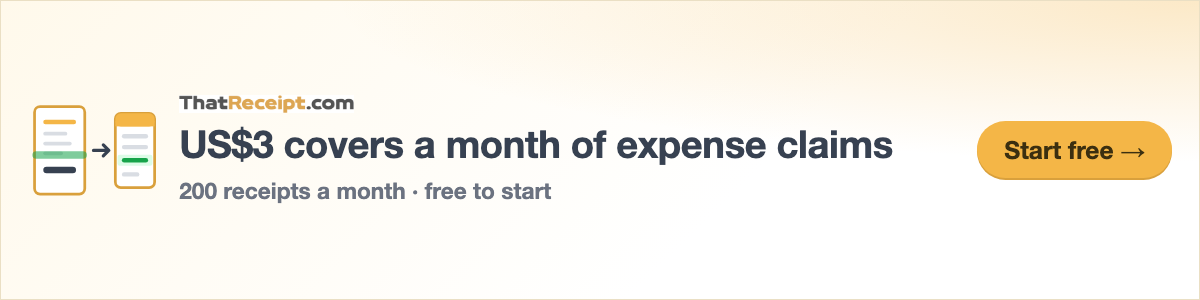
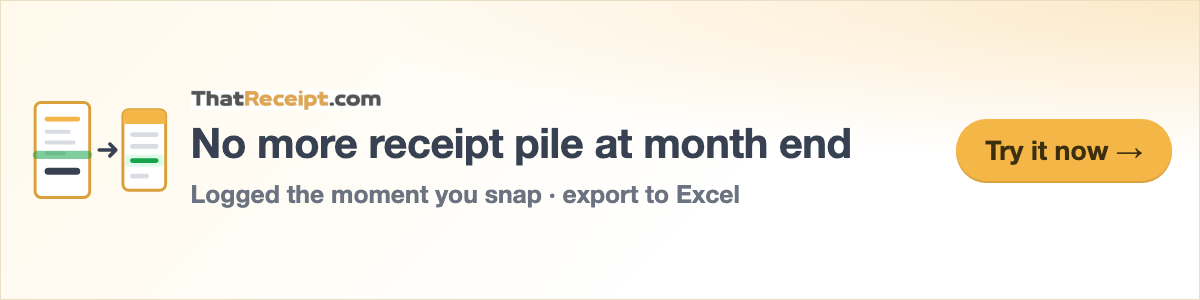
16 common sizes × 3 message versions, PNG plus animated GIF; every GIF for Google Ads is within the 150KB limit. Listed below is the Traditional Chinese set; each of the 11 languages has a full set of its own, available on the /presskit page for that language. Free to use, no permission needed.
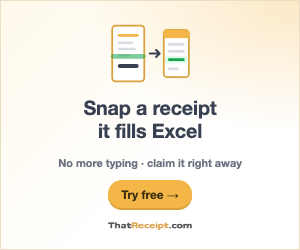



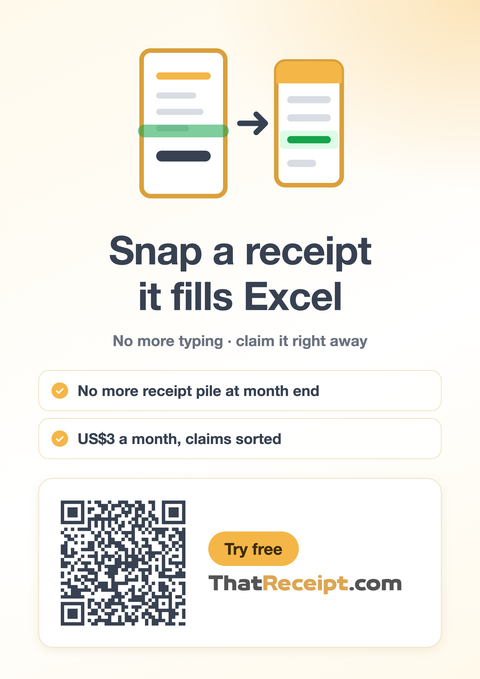
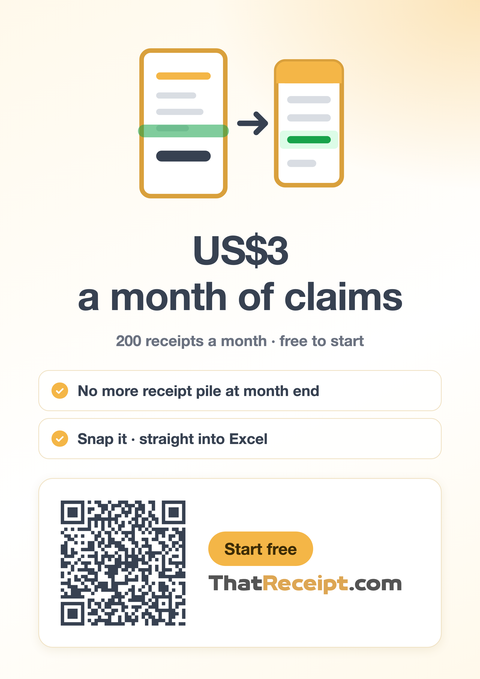
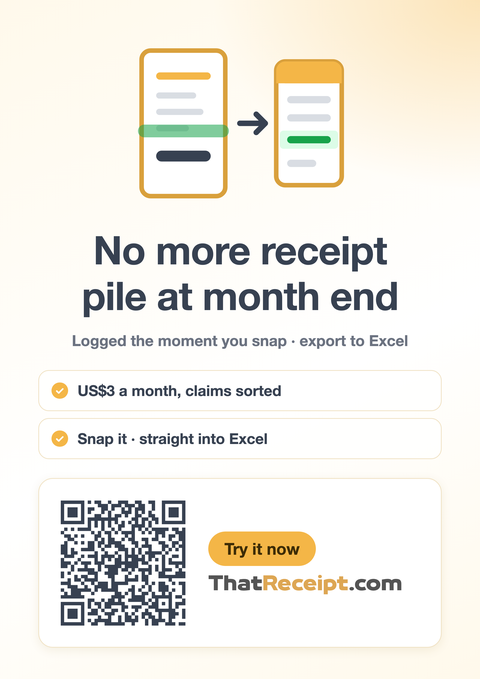
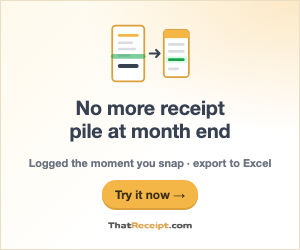
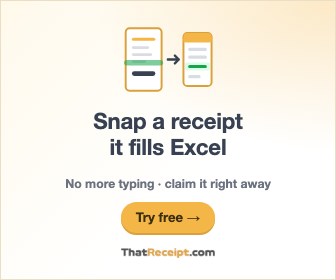
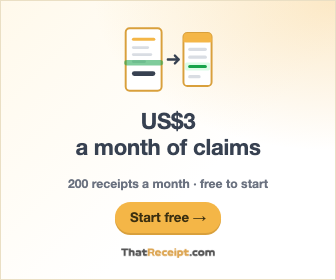
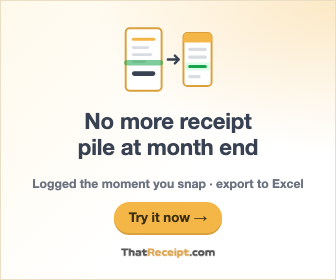
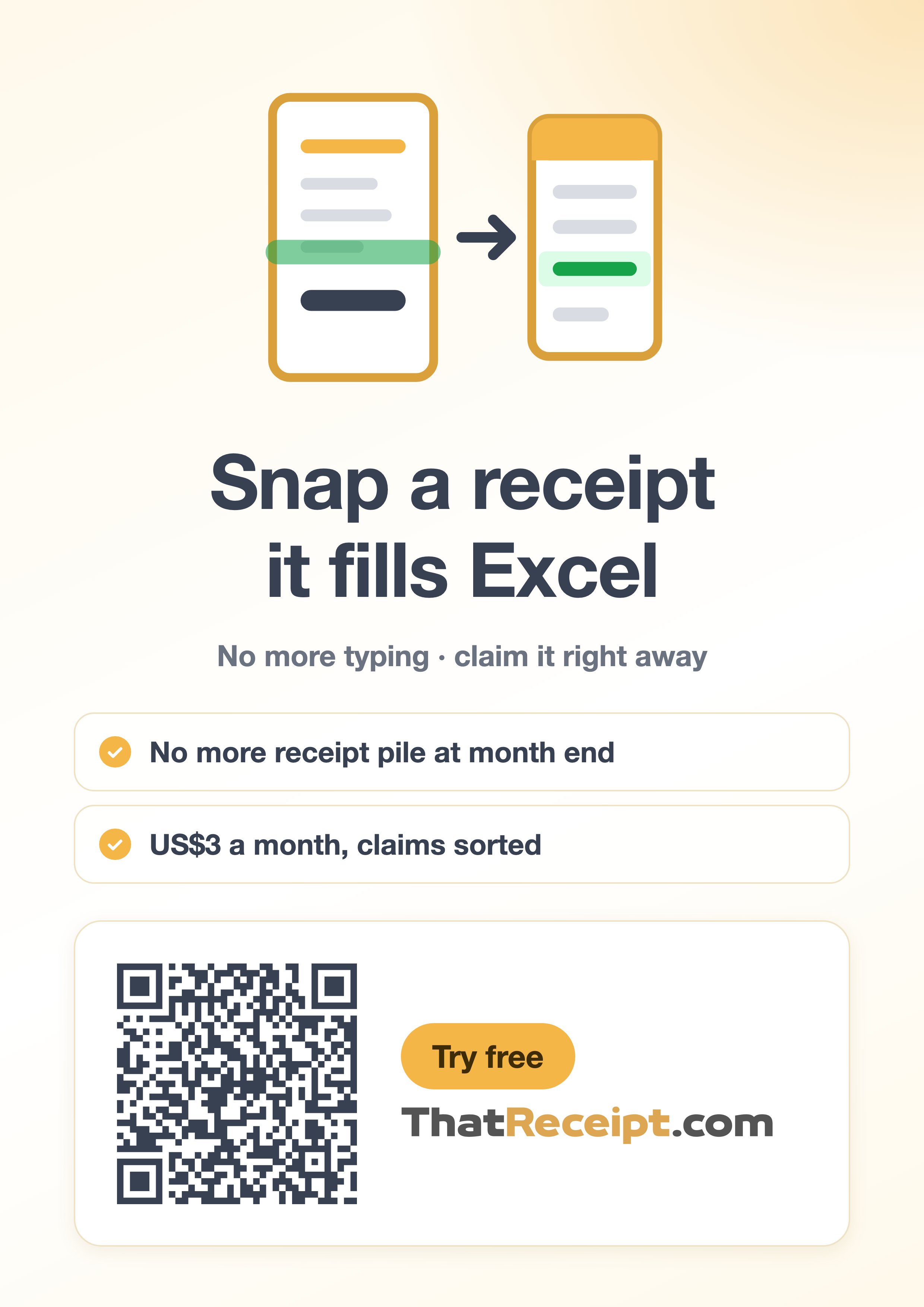
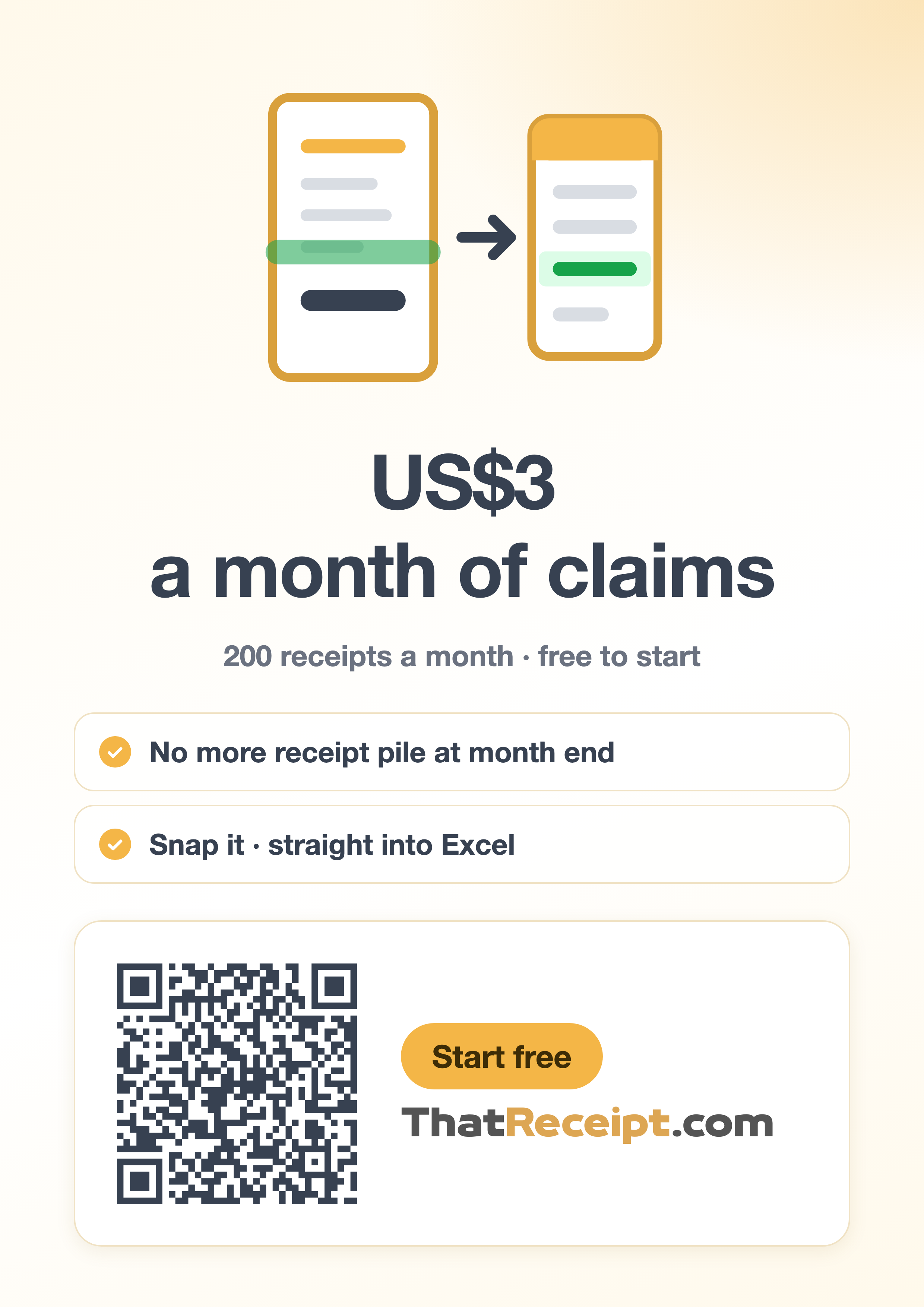
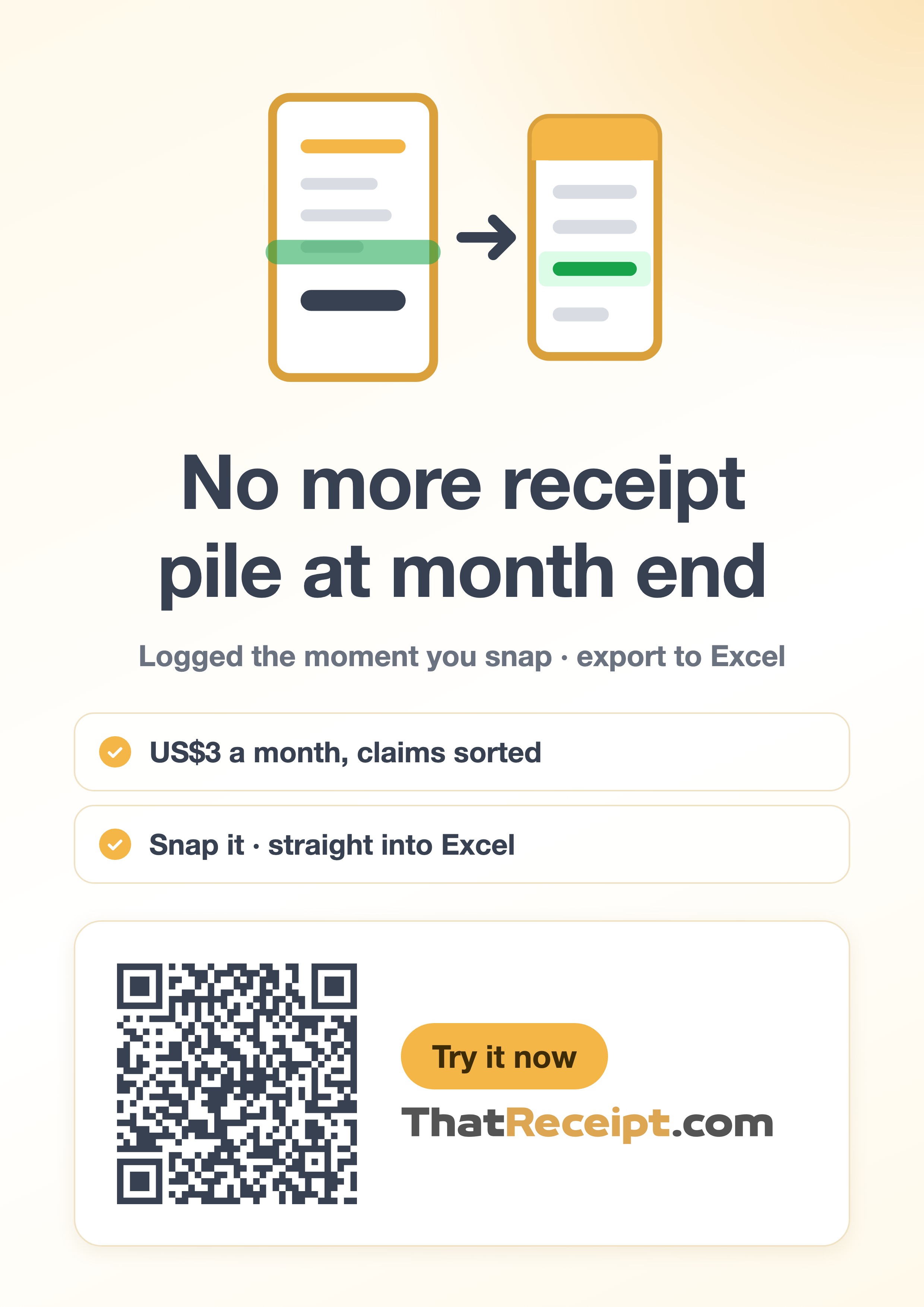
A How it works: Snap a receipt, it fills Excel · B Monthly cost: US$3 covers a month of expense claims · C Problem solved: No more receipt pile at month end
| Size | Use | PNG | GIF |
|---|---|---|---|
520×60 | In-app promo slot | A · B · C | — |
1040×120 | Same as above @2x (high-DPI screens) | A · B · C | — |
300×250 | Medium Rectangle (most common) | A · B · C | A · B · C |
336×280 | Large Rectangle | A · B · C | A · B · C |
250×250 | Square | A · B · C | — |
200×200 | Small Square | A · B · C | — |
728×90 | Leaderboard (top banner) | A · B · C | A · B · C |
468×60 | Banner | A · B · C | — |
970×250 | Billboard (large banner) | A · B · C | — |
320×50 | Mobile banner | A · B · C | — |
320×100 | Large mobile banner | A · B · C | A · B · C |
300×600 | Half Page (sidebar) | A · B · C | A · B · C |
160×600 | Wide Skyscraper (vertical sidebar) | A · B · C | A · B · C |
1200×628 | Responsive ad, landscape 1.91:1 | A · B · C | — |
1200×1200 | Responsive ad, square | A · B · C | — |
1200×300 | Responsive ad, landscape logo | A · B · C | — |
A4 poster (print-ready)
A4 210×297mm at 300 DPI, in both PNG and PDF, with a built-in QR code that goes straight to the website. Print it and put it up in the office pantry, a co-working space or an event booth. Below is the Traditional Chinese version; each of the 11 languages has one, available on the /presskit page for that language. Free to use, no permission needed.



































Other languages:繁體中文 · 简体中文 · English · Español · Deutsch · 日本語 · 한국어 · Français · Português · العربية · ไทย